mirror of https://github.com/LaskaKit/ESPlan.git
 0763f5b446
|
||
|---|---|---|
| .. | ||
| ESPlan_MY-136_webserver | ||
| ESPlan_RS485_Relay | ||
| ESPlan_SD_webpage | ||
| ESPlan_WeatherStation | ||
| ESPlan_ZTS3000_WindSensor | ||
| ESPlan_webserver_SD_read | ||
| SD_Test | ||
| burn_efuse/burn_efuse | ||
| rs485_rele_esplan | ||
| test_ESPLAN_V2 | ||
| README.md | ||
| README_CZ.md | ||
| esplan_esphome.yaml | ||
README.md
How to make display work
-
Download CH343SER.EXE and install it.
-
Connect ESPlan to your PC.
-
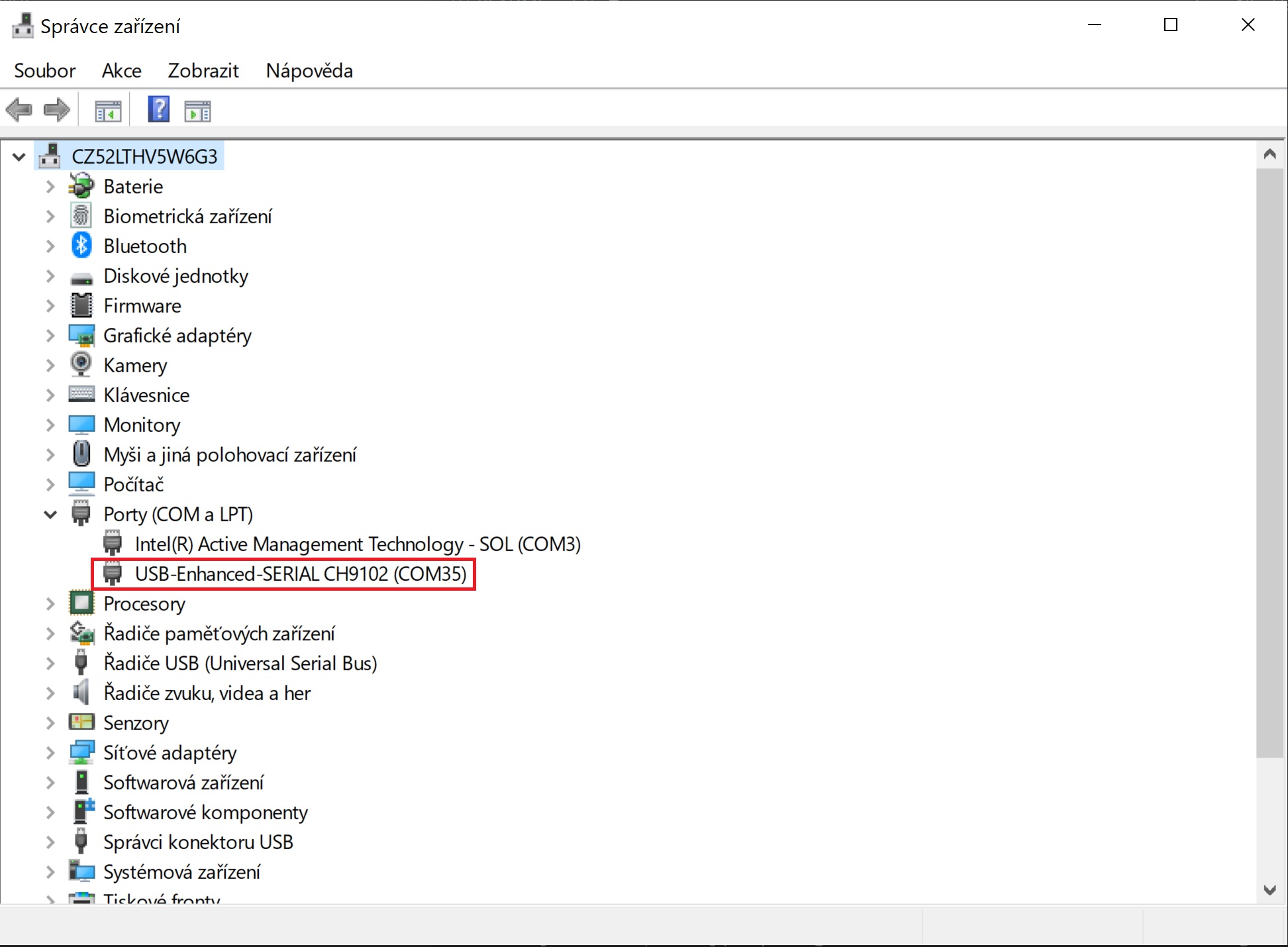
Open Device Manager (Start → Control Panel → Hardware and Sound → Device Manager) and find COM port number.
Arduino IDE
-
Download Github repository and look for project you want to try in SW folder.
-
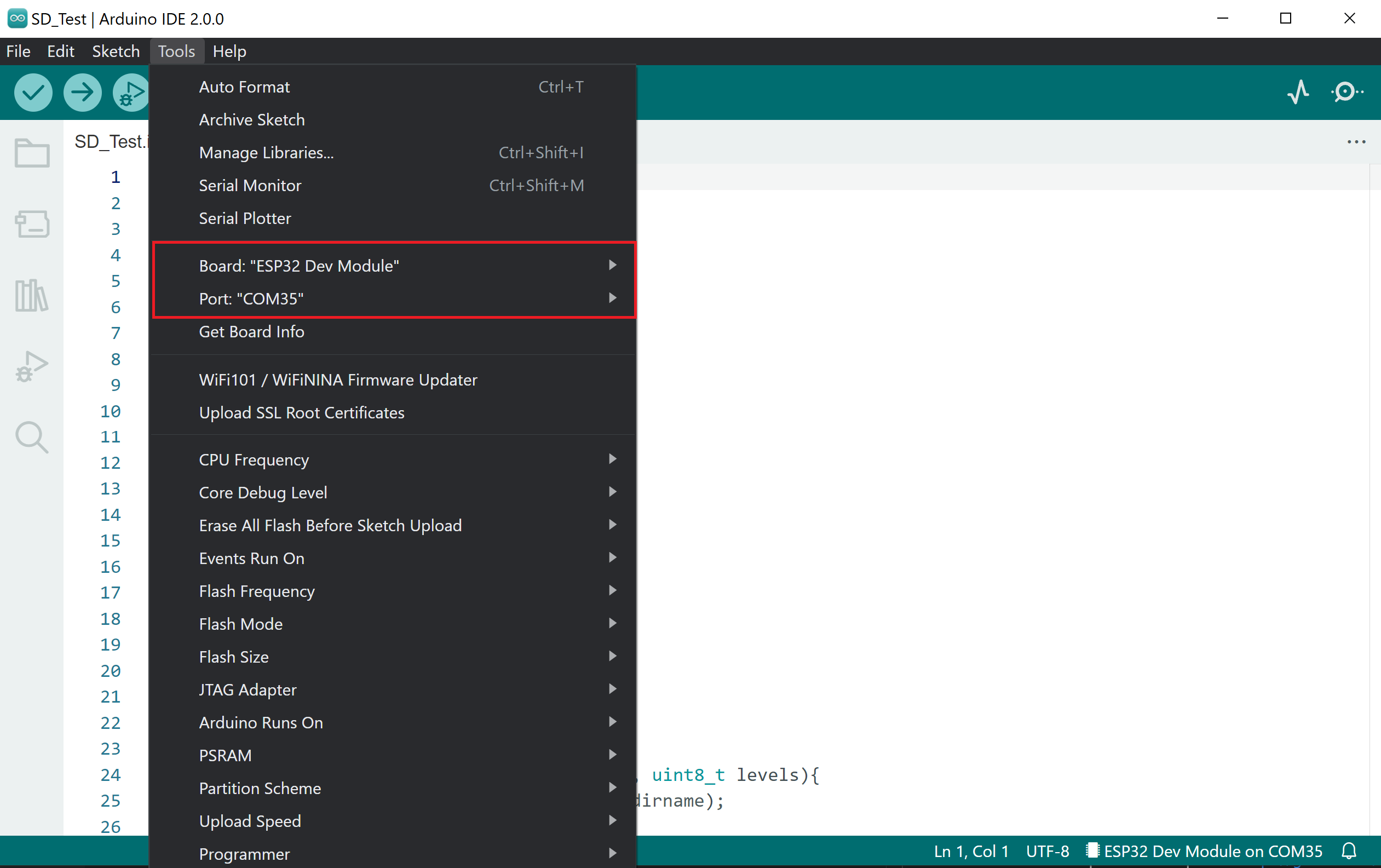
Open example with Arduino IDE and set appropriate COM port and board type.
-
Download necessary libraries.
-
Upload the code.